

Edit With Me
Everything I know about editing photos.
Everything I know about editing photos.
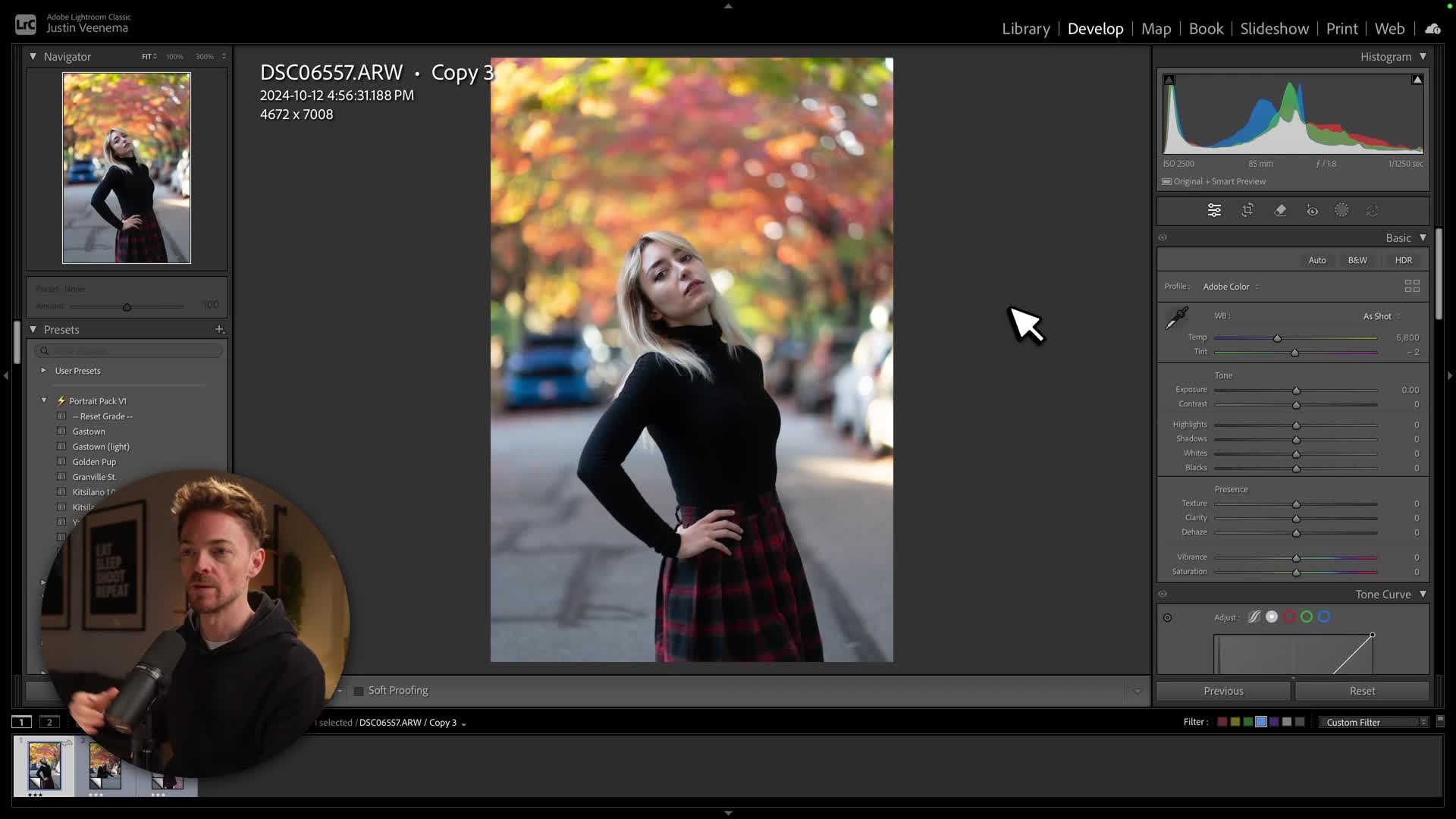
Introduce your video with a short summary or excerpt viewers can preview. If you don’t add an excerpt, this field will automatically show the first three lines.
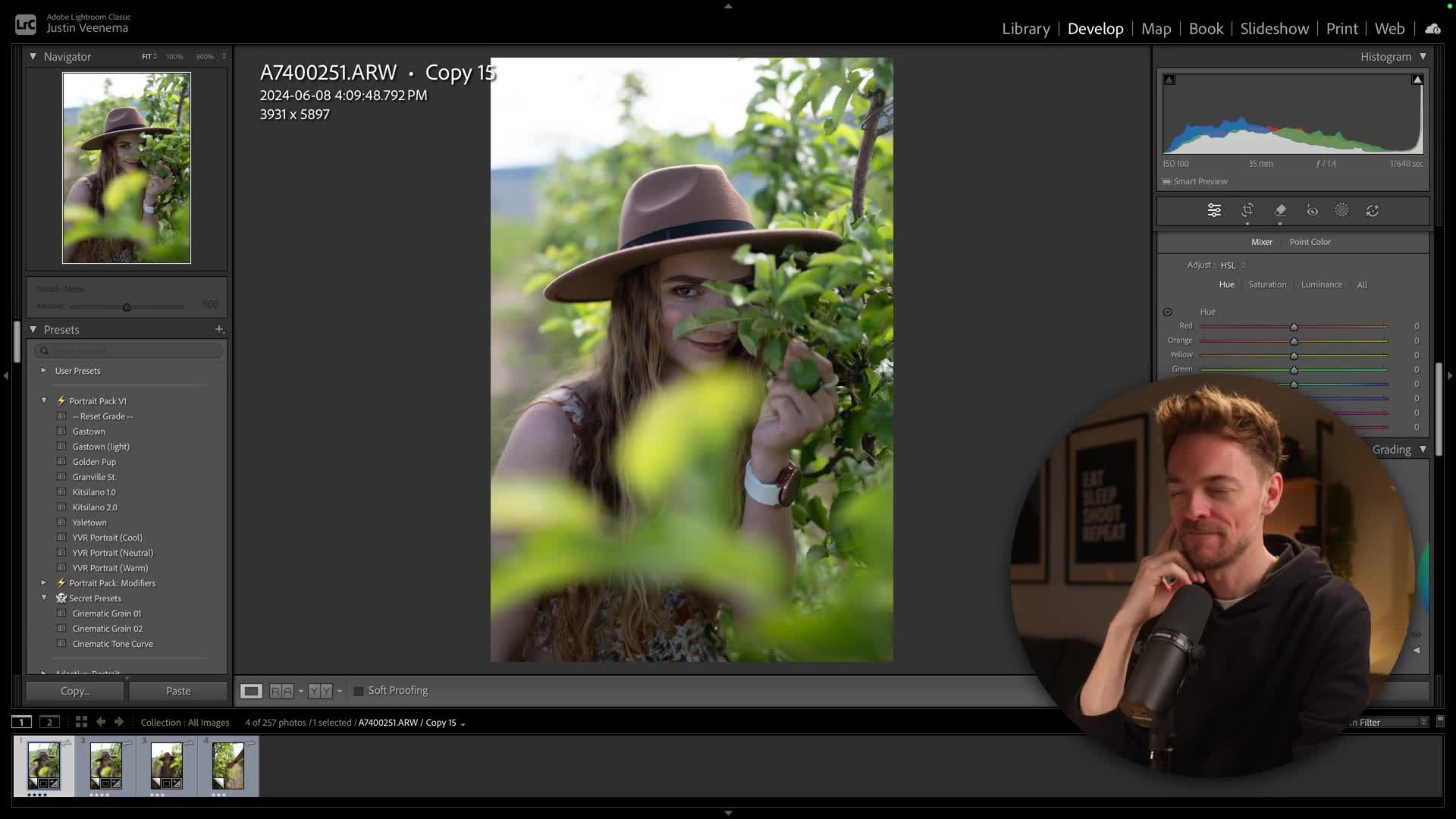
Introduce your video with a short summary or excerpt viewers can preview. If you don’t add an excerpt, this field will automatically show the first three lines.
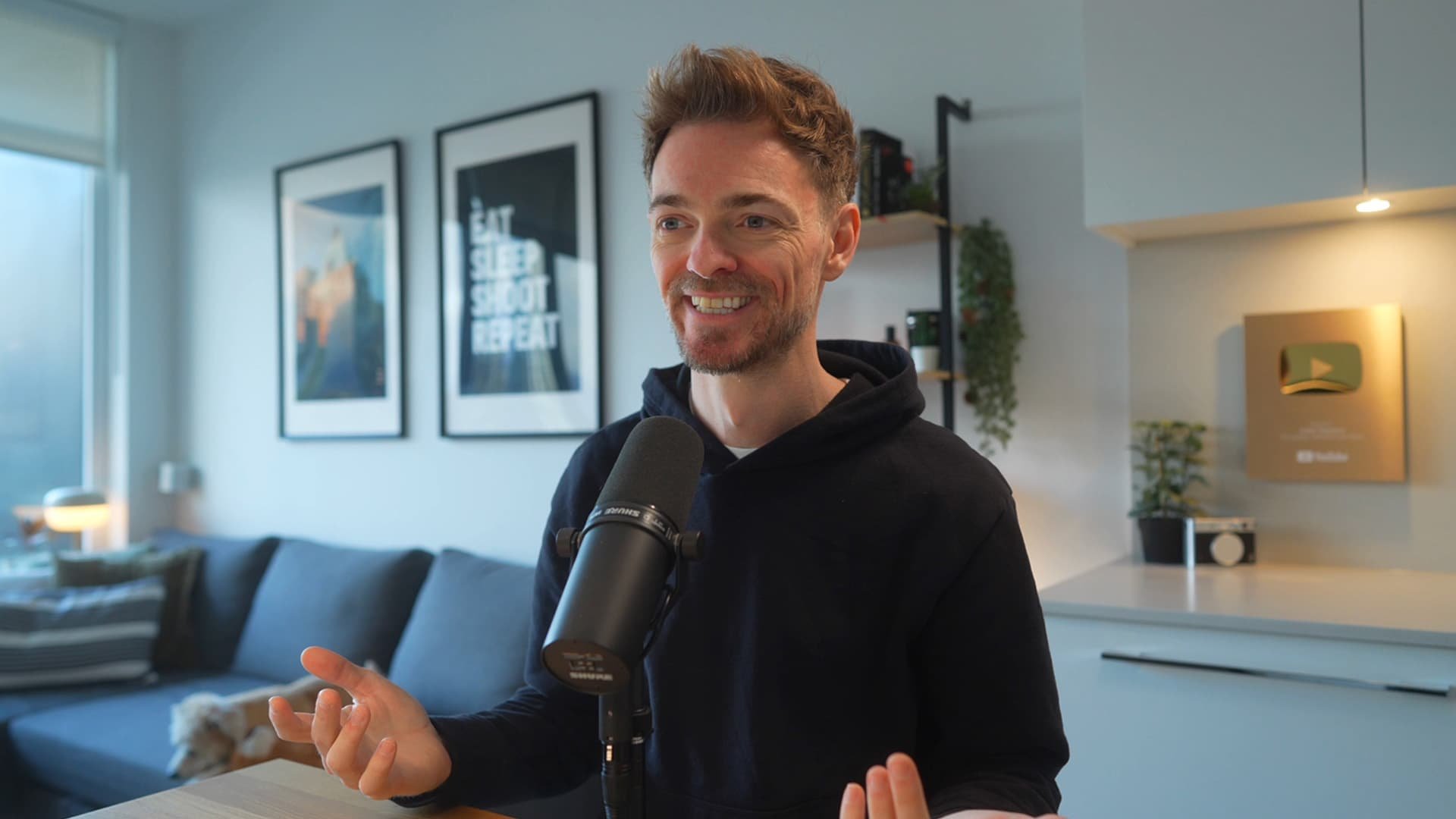
How one mentor changed everything for me, and why I created this course to do the same for you. Plus a heartfelt thank you for supporting my work.
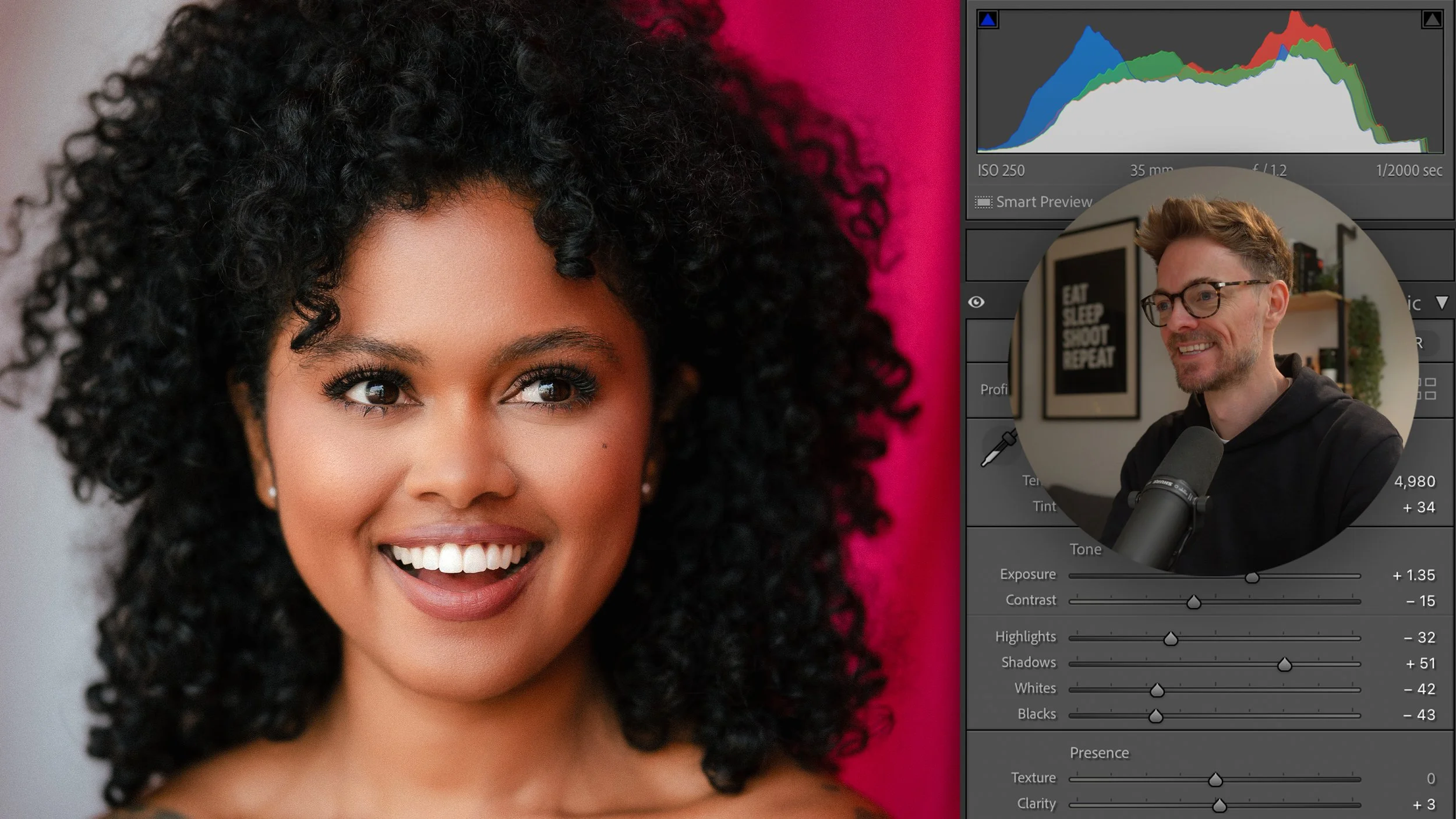
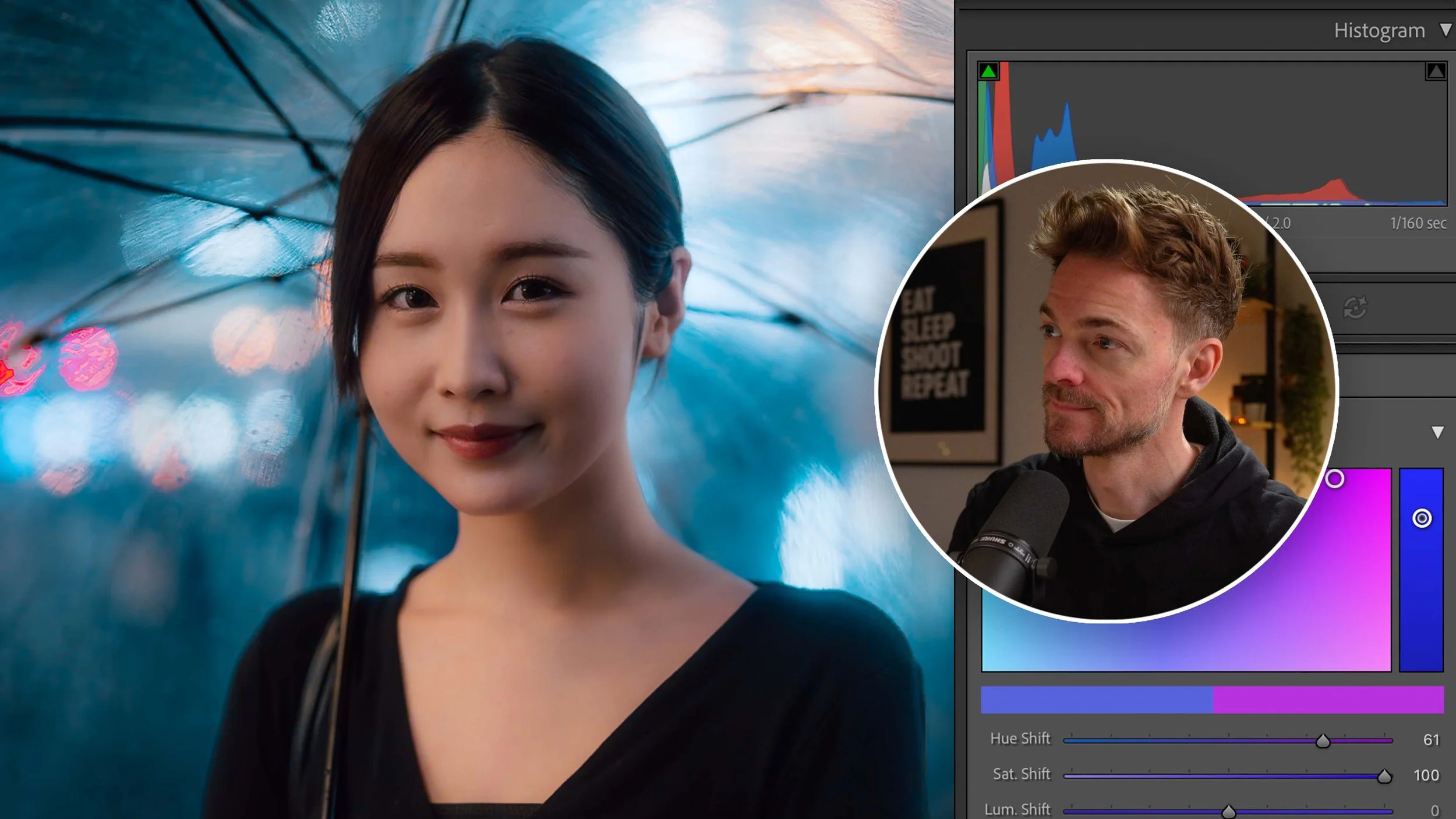
Get flawless skin in portraits—smooth wrinkles, remove blemishes, add glow. Plus, a secret tool I've never shared that does this in 5 seconds flat.
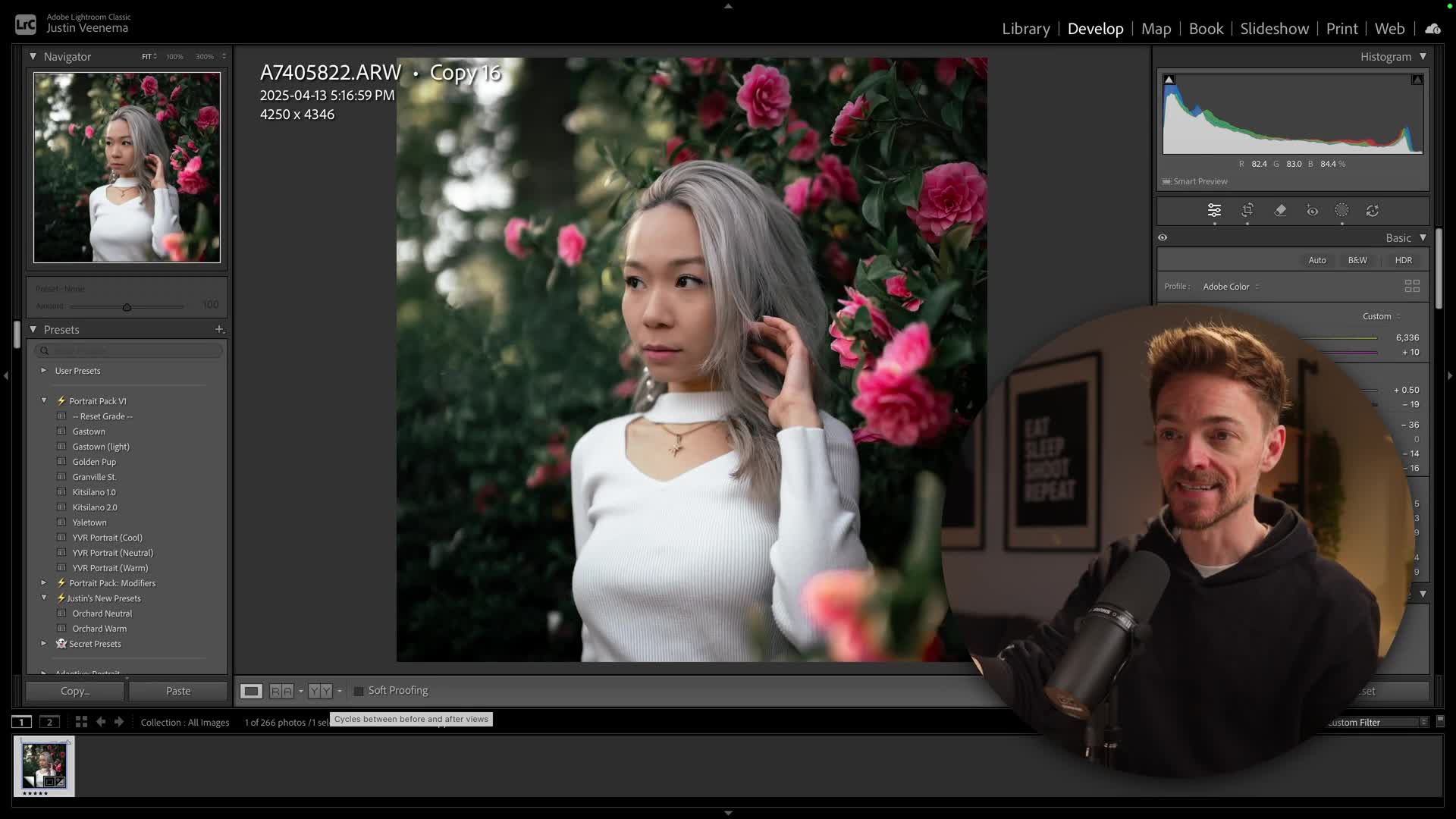
Introduce your video with a short summary or excerpt viewers can preview. If you don’t add an excerpt, this field will automatically show the first three lines of the video’s description.
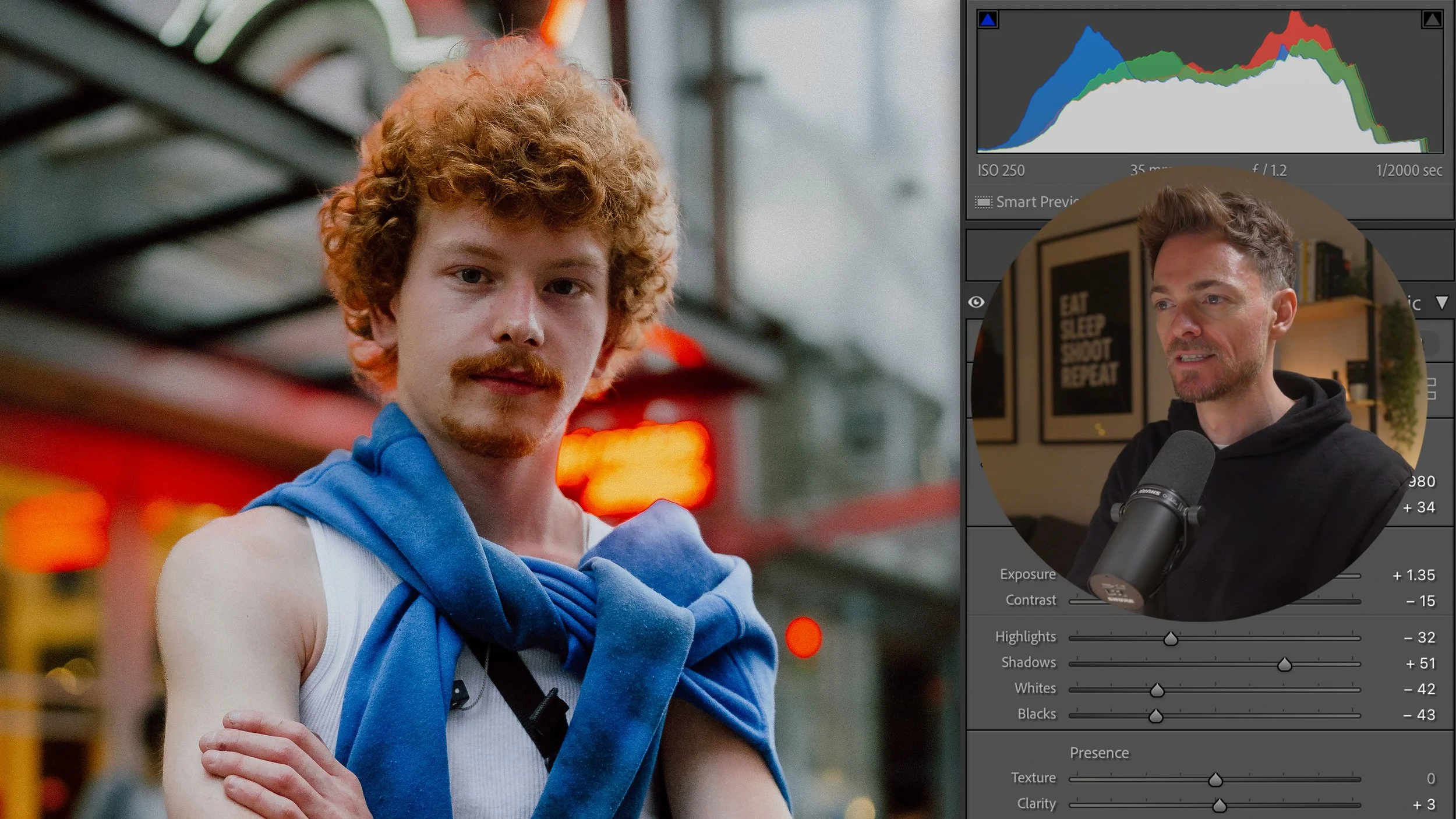
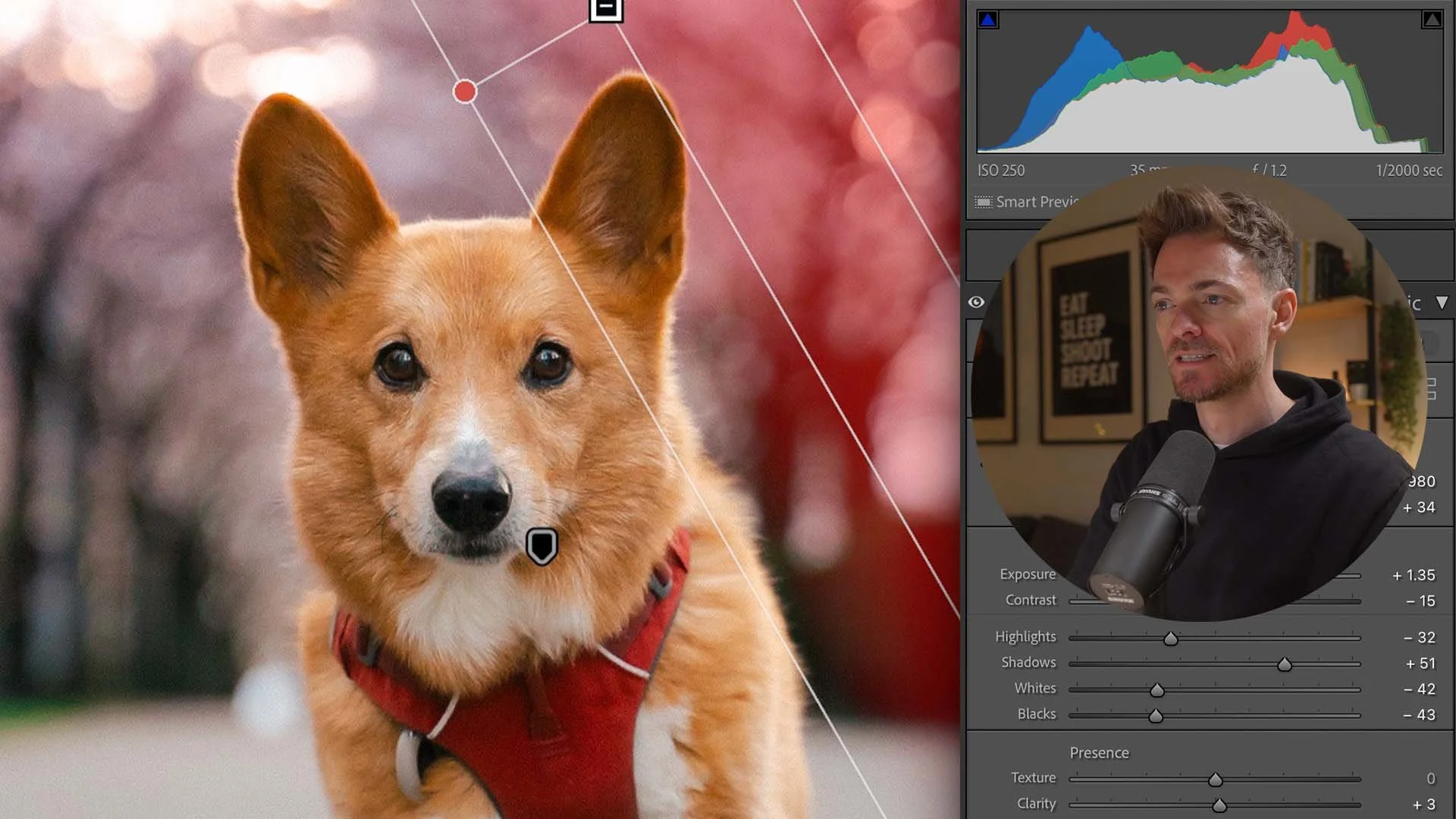
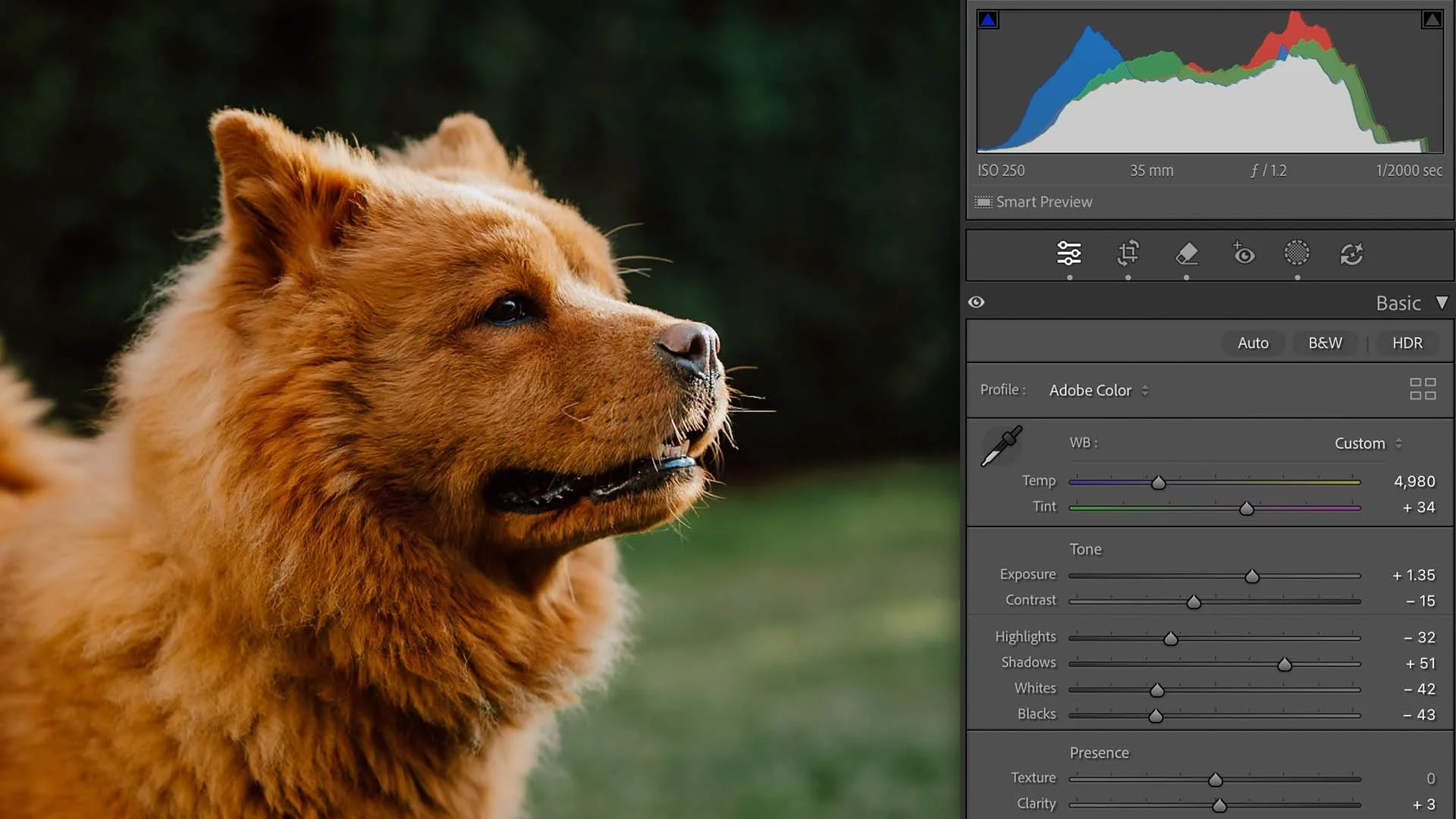
In this video we’re going to look at editing this shoot with Maxine, the fluffy corgi. This was from my New York trip, and was shot on the Fuji X100VI.
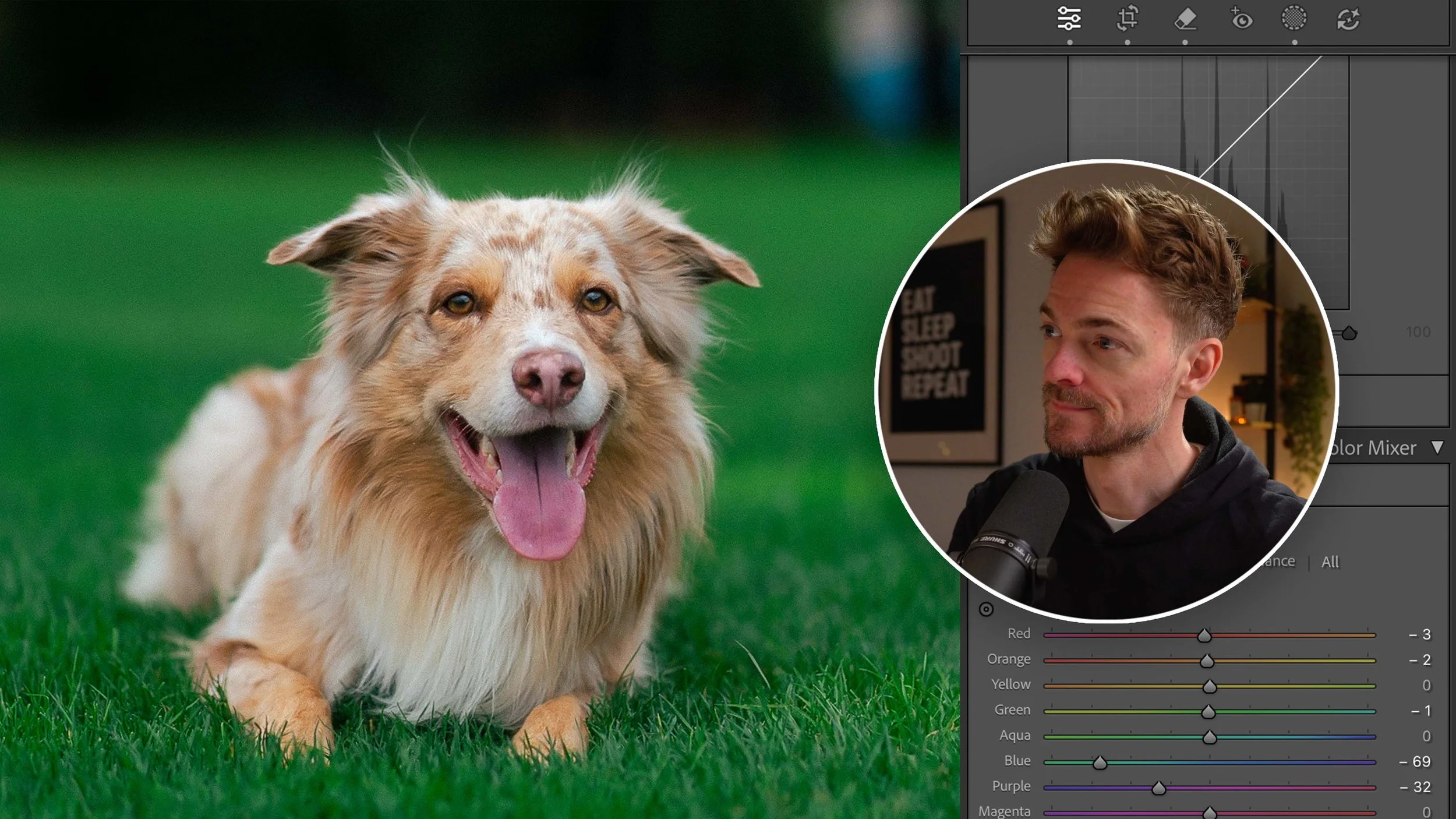
Introduce your video with a short summary or excerpt viewers can preview. If you don’t add an excerpt, this field will automatically show the first three lines of the video’s description.
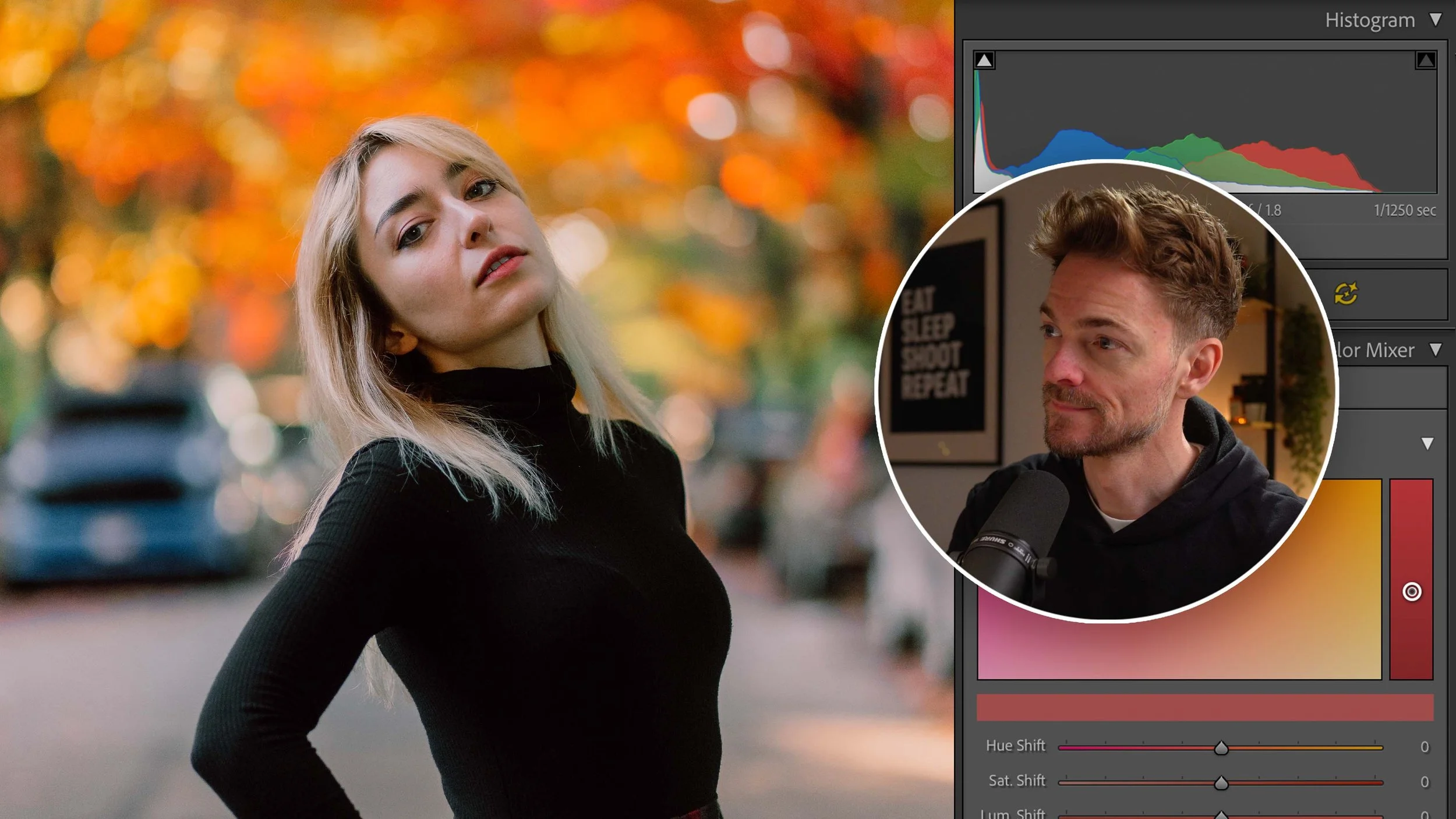
Get flawless skin in portraits—smooth wrinkles, remove blemishes, add glow. Plus, a secret tool I've never shared that does this in 5 seconds flat.
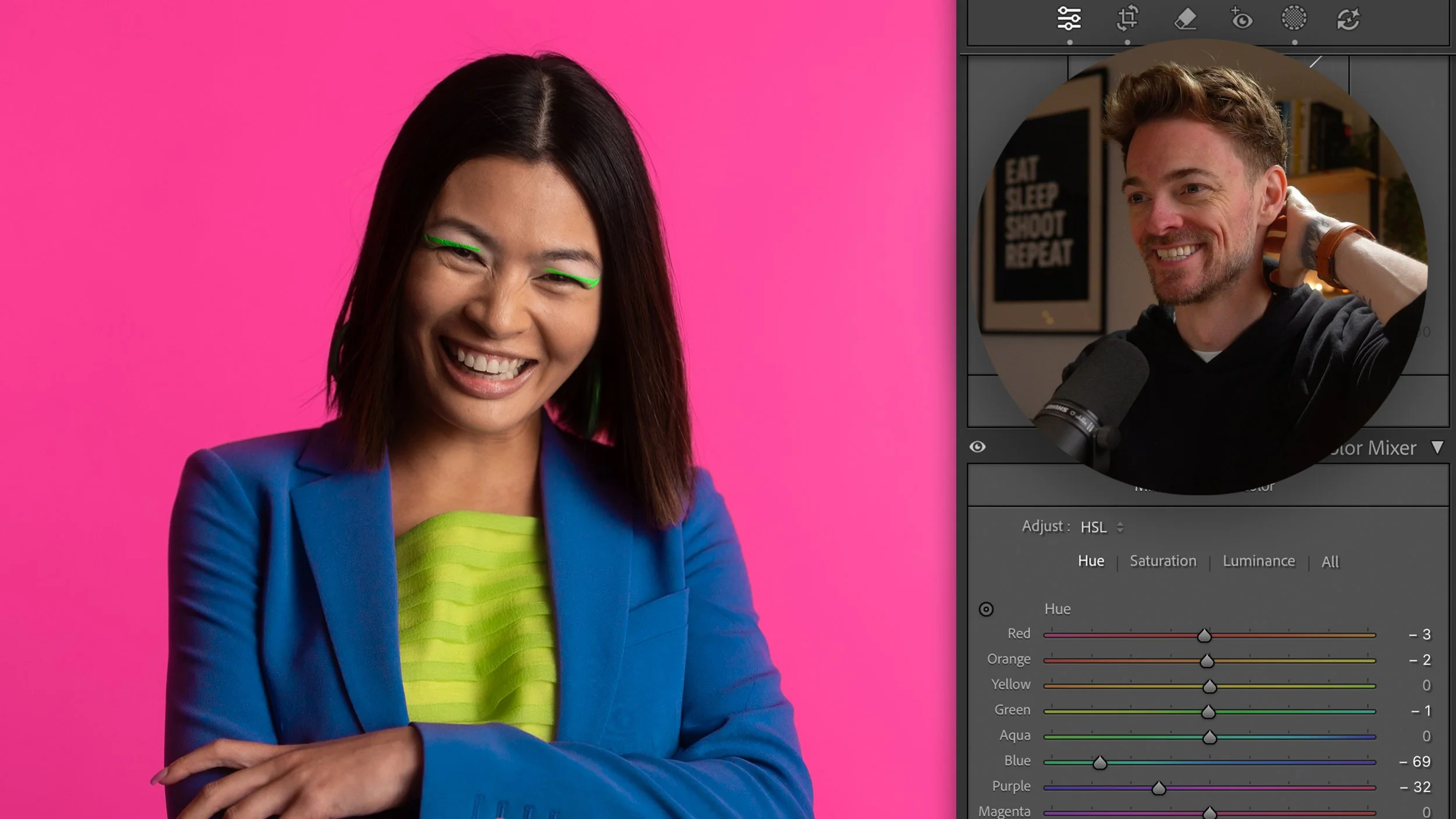
Introduce your video with a short summary or excerpt viewers can preview. If you don’t add an excerpt, this field will automatically show the first three.
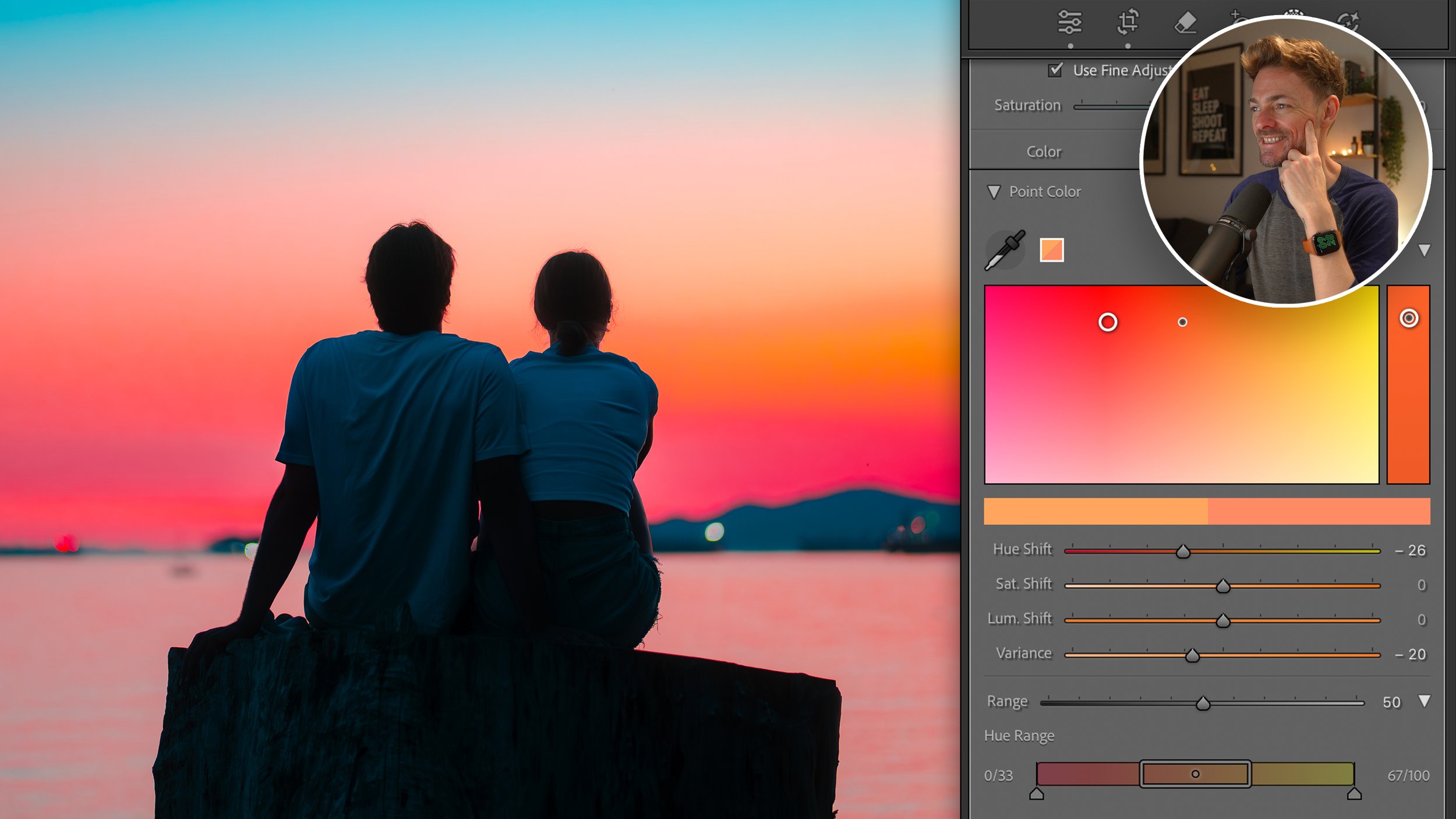
Fugiat nostrud velit ea tempor esse id non. Fugiat nostrud velit ea tempor esse id non. Fugiat nostrud velit ea tempor esse id non. Fugiat nostrud velit ea tempor esse id non.
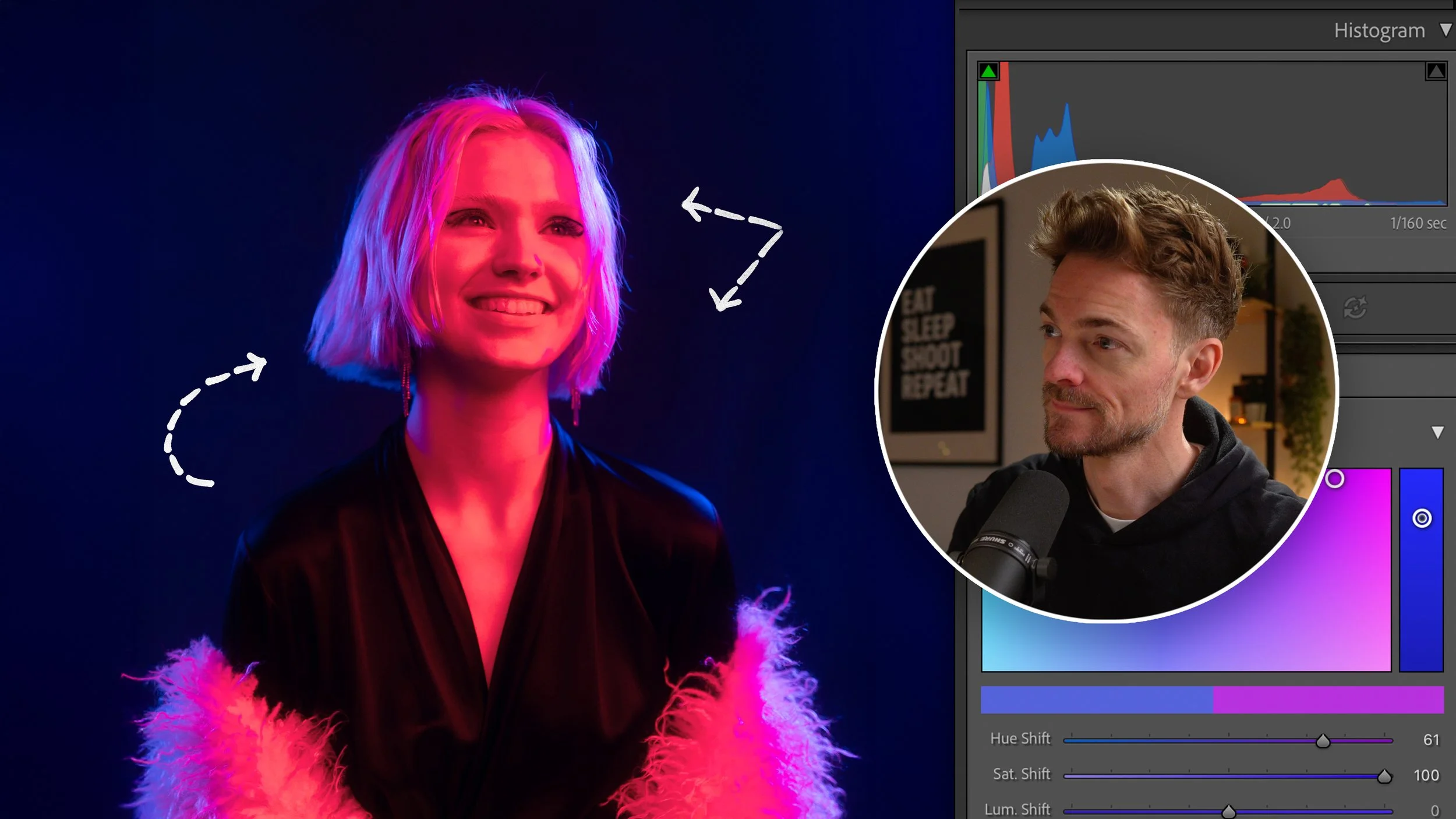
Pariatur dolor adipisicing quis laboris quis nostrud eiusmod non nisi tempor pariatur ullamco. Voluptate sint cillum aute culpa incididunt nisi veniam sint ex.
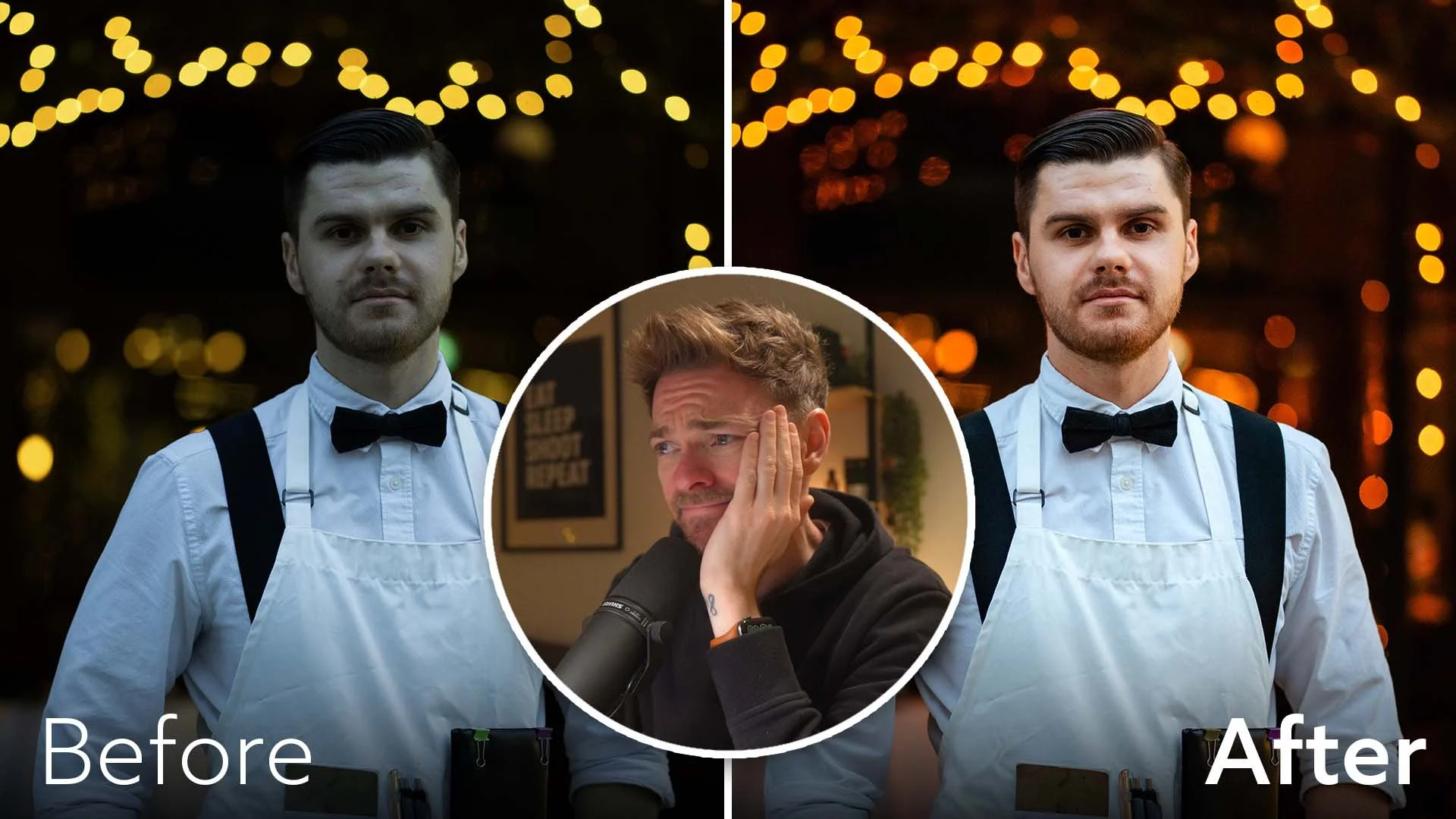
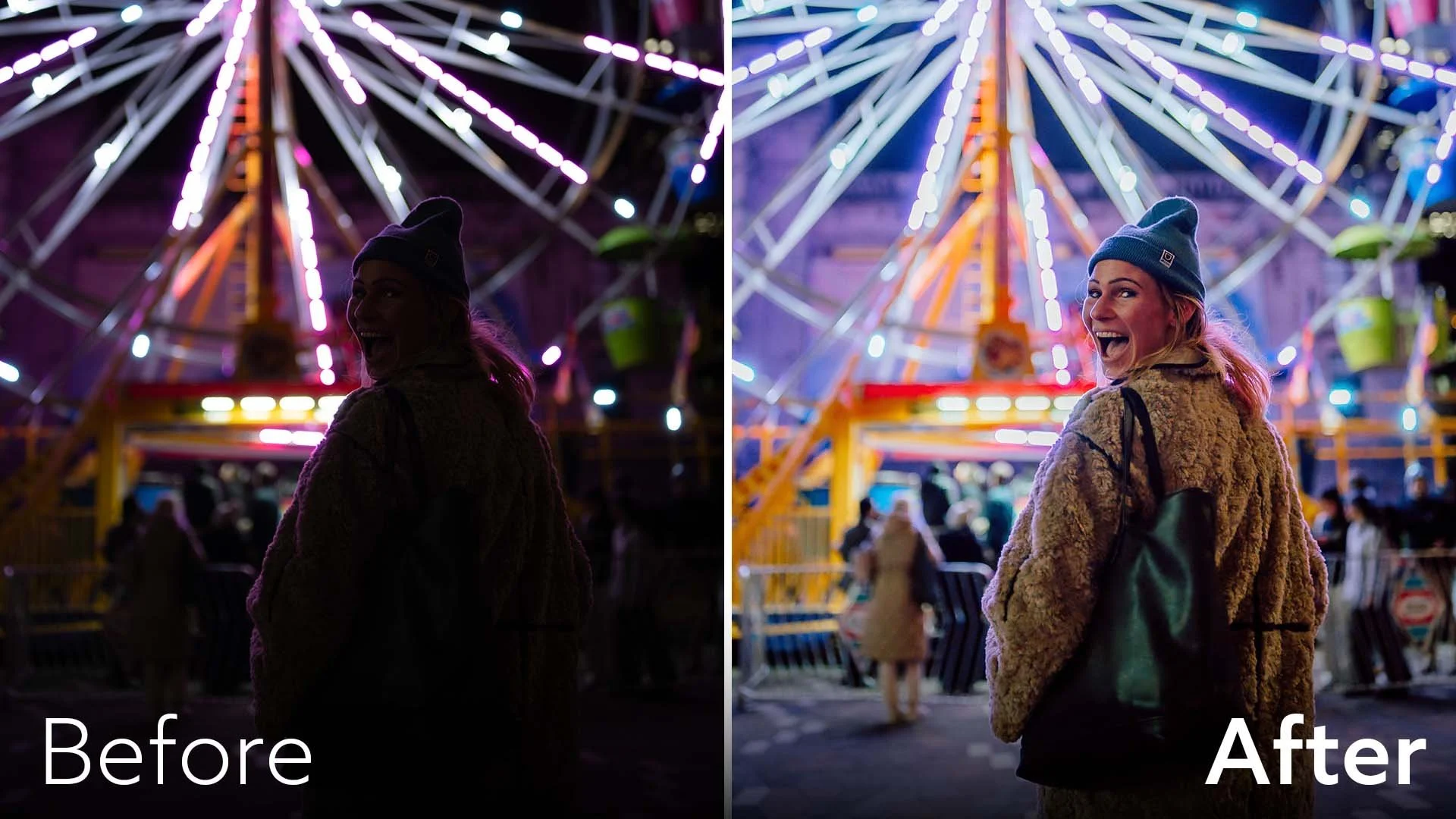
Didn't nail the shot in-camera? Learn to rescue photos and transform photos that seem completely hopeless. RAW files & session preset included.
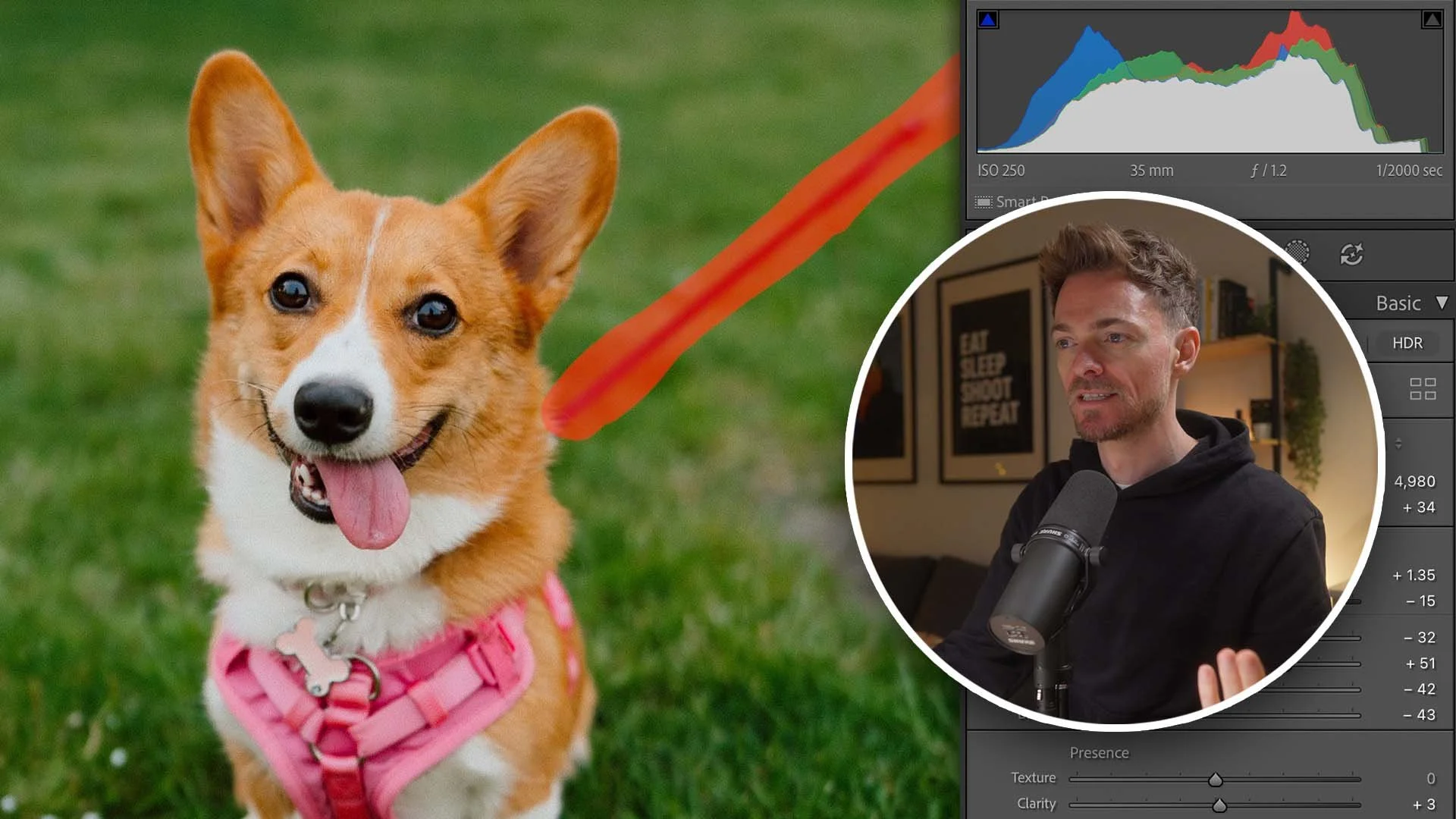
Learn how to cleanly remove leashes, collars, and visual distractions using Lightroom's Generative AI tool (one of my most commonly asked questions).
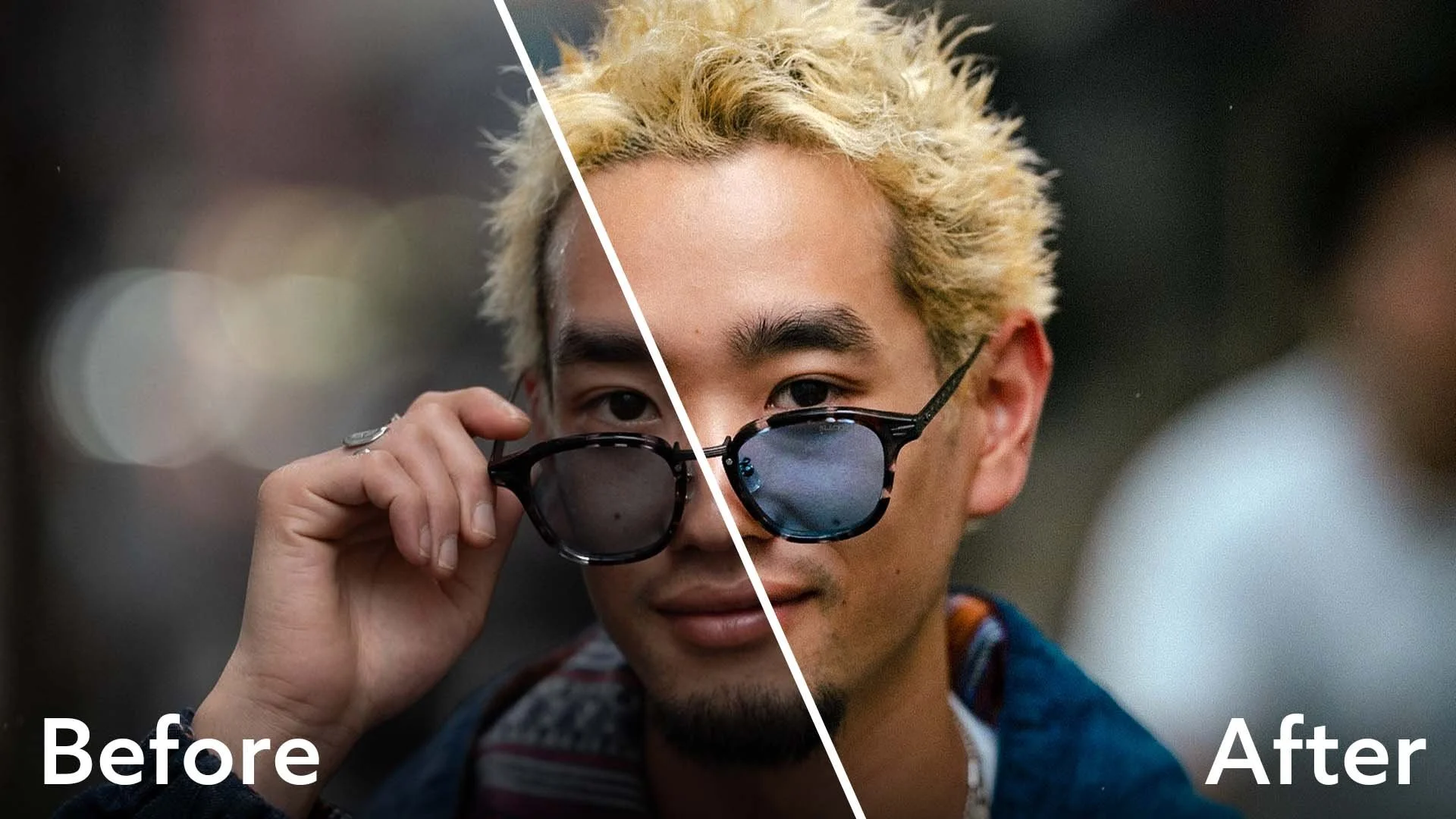
Eu qui eu eiusmod occaecat enim esse dolore magna aliqua esse velit ut. Eu qui eu eiusmod occaecat enim esse dolore magna aliqua esse velit ut.
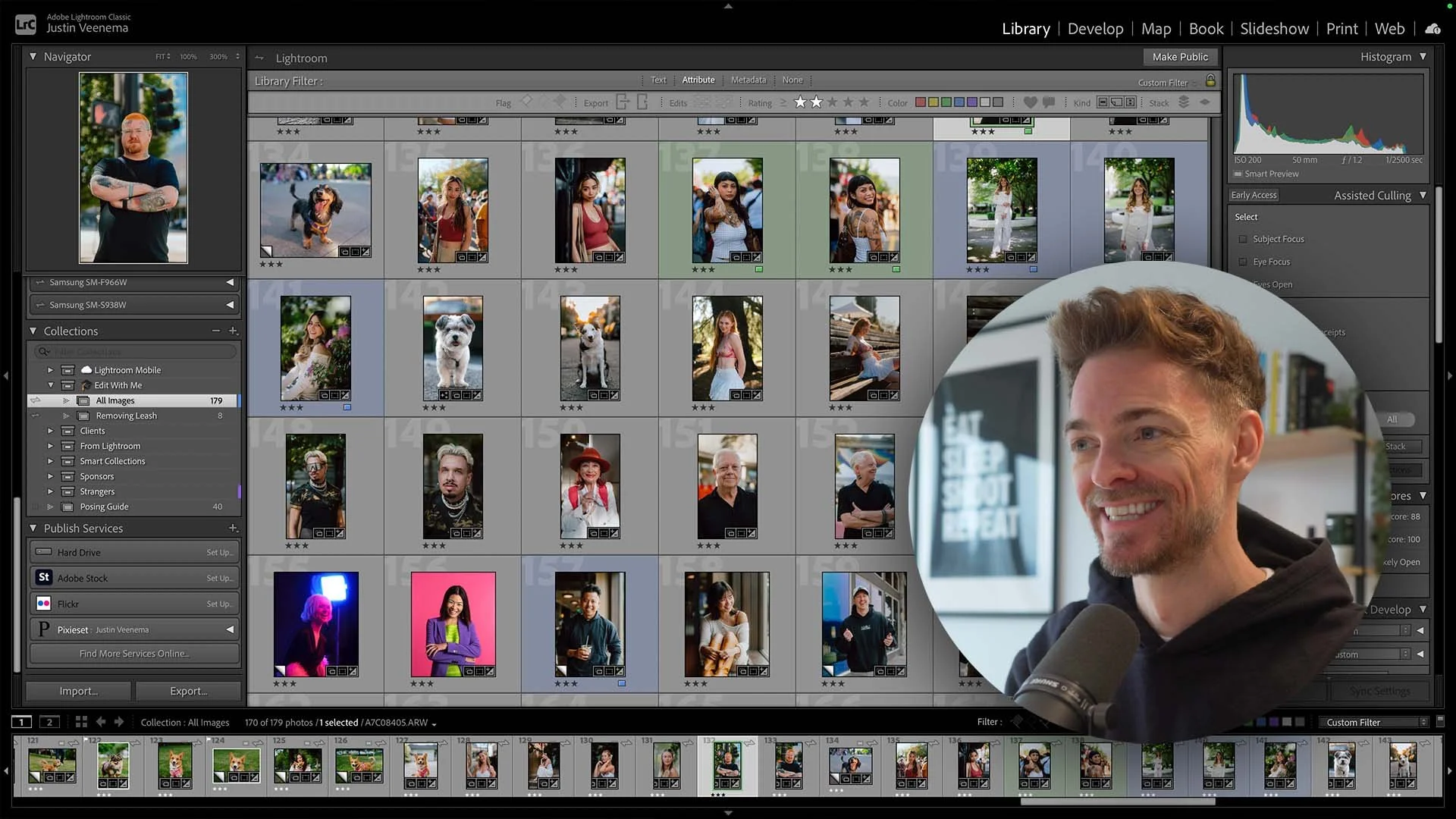
The Lightroom shortcuts that save me hours every week. Navigate 10x faster and dramatically improve your photo editing workflow.
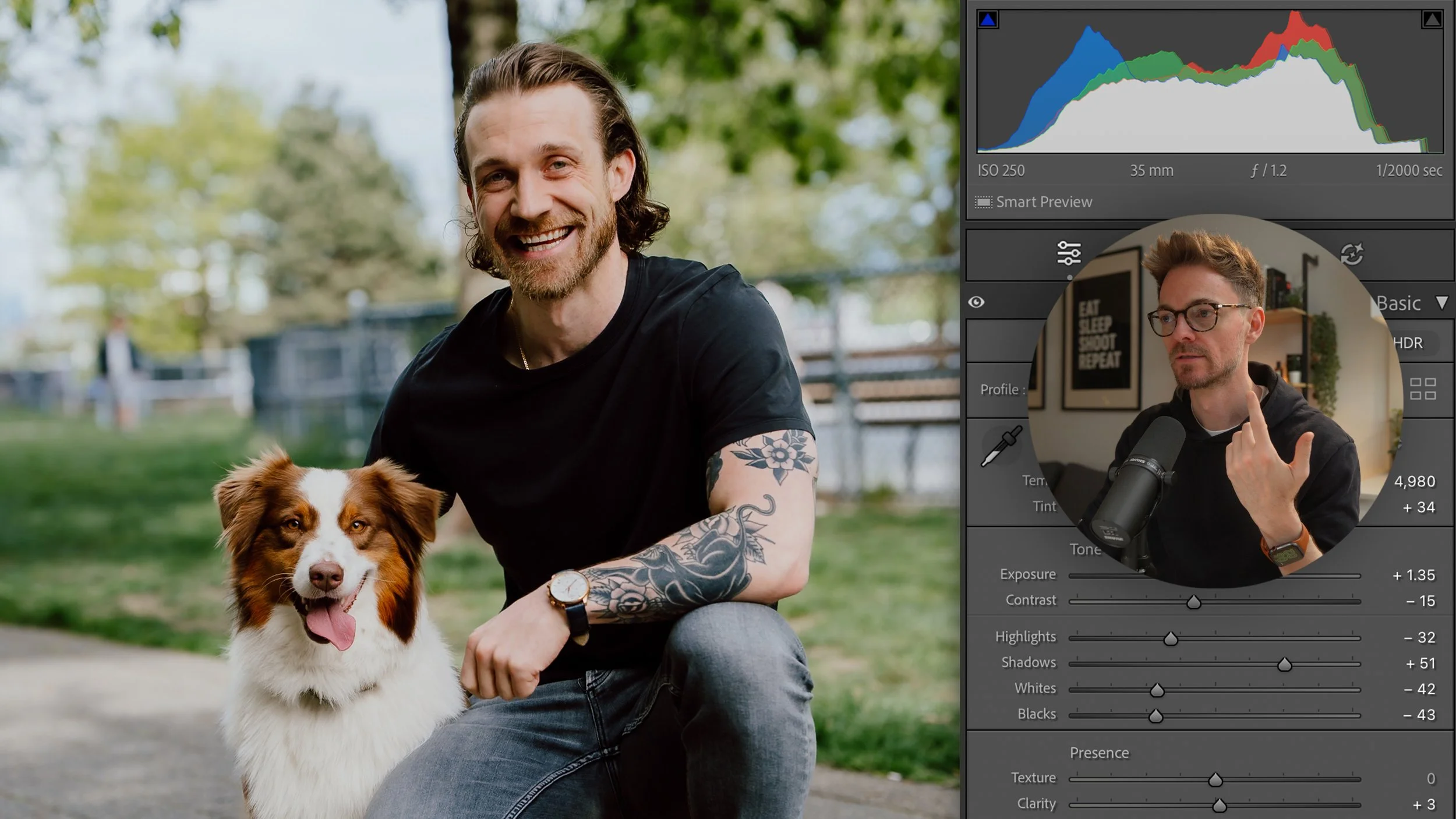
Introduce your video with a short summary or excerpt viewers can preview. If you don’t add an excerpt, this field will automatically.
Introduce your video with a short summary or excerpt viewers can preview. If you don’t add an excerpt, this field will automatically show the first three lines.
Proident nostrud deserunt cupidatat ex elit incididunt eiusmod. Velit officia id do officia qui irure officia voluptate deserunt.
Introduce your video with a short summary or excerpt viewers can preview. If you don’t add an excerpt, this field will automatically show the first three lines of the video’s description.
Introduce your video with a short summary or excerpt viewers can preview. If you don’t add an excerpt, this field will automatically show the first three lines of the video’s description.
Eu qui eu eiusmod occaecat enim esse dolore magna aliqua esse velit ut. Eu qui eu eiusmod occaecat enim esse dolore magna aliqua esse velit ut.