0
Skip to Content
Justin Veenema
πŸ›’ All Products
🎨 Lightroom Presets
πŸ›οΈ Merch Store
About Justin
My Media Kit
Contact
FAQ's
Share Your Dog's Story
The Wall of Dog
πŸ’› Donate
πŸ“Έ Camera Gear
Justin Veenema
πŸ›’ All Products
🎨 Lightroom Presets
πŸ›οΈ Merch Store
About Justin
My Media Kit
Contact
FAQ's
Share Your Dog's Story
The Wall of Dog
πŸ’› Donate
πŸ“Έ Camera Gear
Folder: πŸ›’ Shop
Back
πŸ›’ All Products
🎨 Lightroom Presets
πŸ›οΈ Merch Store
Folder: πŸ™‹β€β™‚οΈ About
Back
About Justin
My Media Kit
Contact
FAQ's
Folder: 🐾 Wall of Dog
Back
Share Your Dog's Story
The Wall of Dog
πŸ’› Donate
πŸ“Έ Camera Gear

Sign up to view this video

Join Now
  • Downloads,

Preset Tutorial

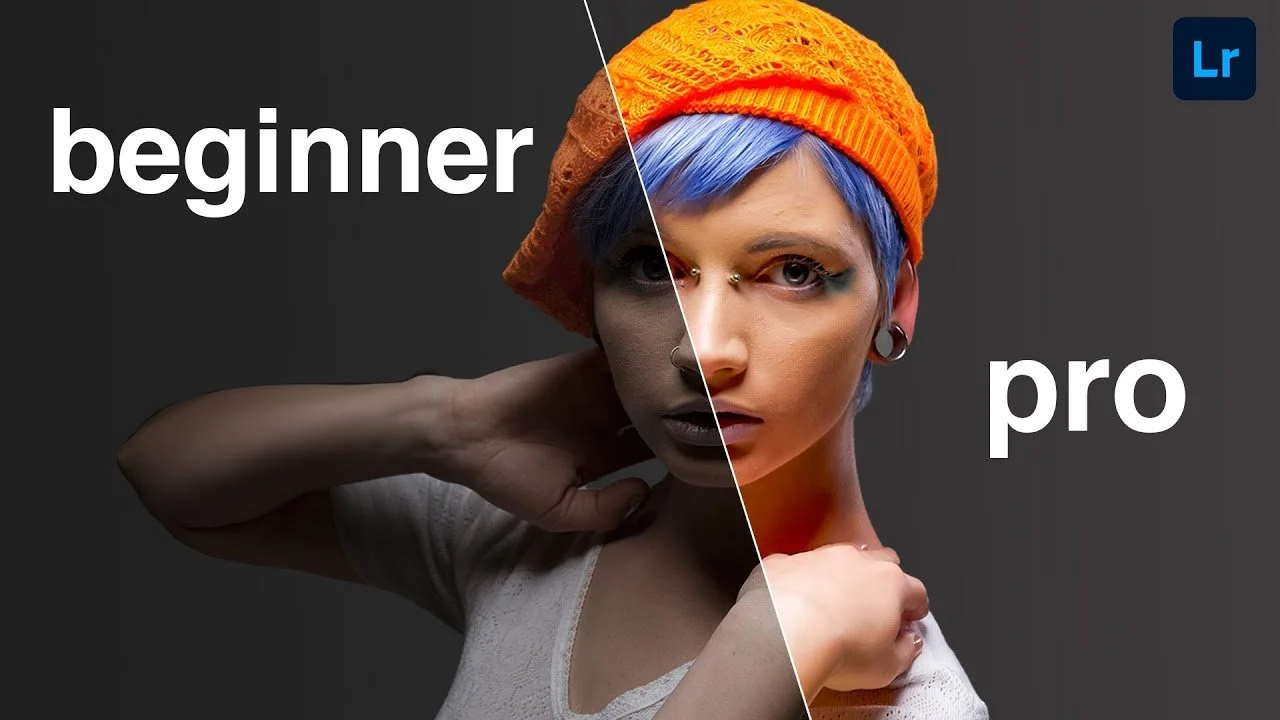
Now we’re going to look at how to edit using my preset packs.

Previous

Remon (Raw Files + Preset)

You Might Also Like

Related Video Item Thumbnail Remon (Raw Files + Preset)
Related Video Item Thumbnail Remon Editing Session
Related Video Item Thumbnail How Tones Impact Emotion
Related Video Item Thumbnail Tone Curves
Related Video Item Thumbnail Thursday Morning Flow

Navigation

β€’ Home
β€’
About
β€’
Brand Partnerships
β€’
My Camera Gear
β€’
Contact

Contact

hello@justinveenema.com

Copyright Β© 2025 Justin Veenema
Made with β˜•οΈ in
Squarespace